WooCommerce Popups: 9 Ideas That Increase Sales
Welcome offers, cart savers, upsells and free-shipping nudges: nine store popups that sell without getting in the way.
 WingDevs
Oct 16, 2026
5 min read
Free Pro
WingDevs
Oct 16, 2026
5 min read
Free Pro 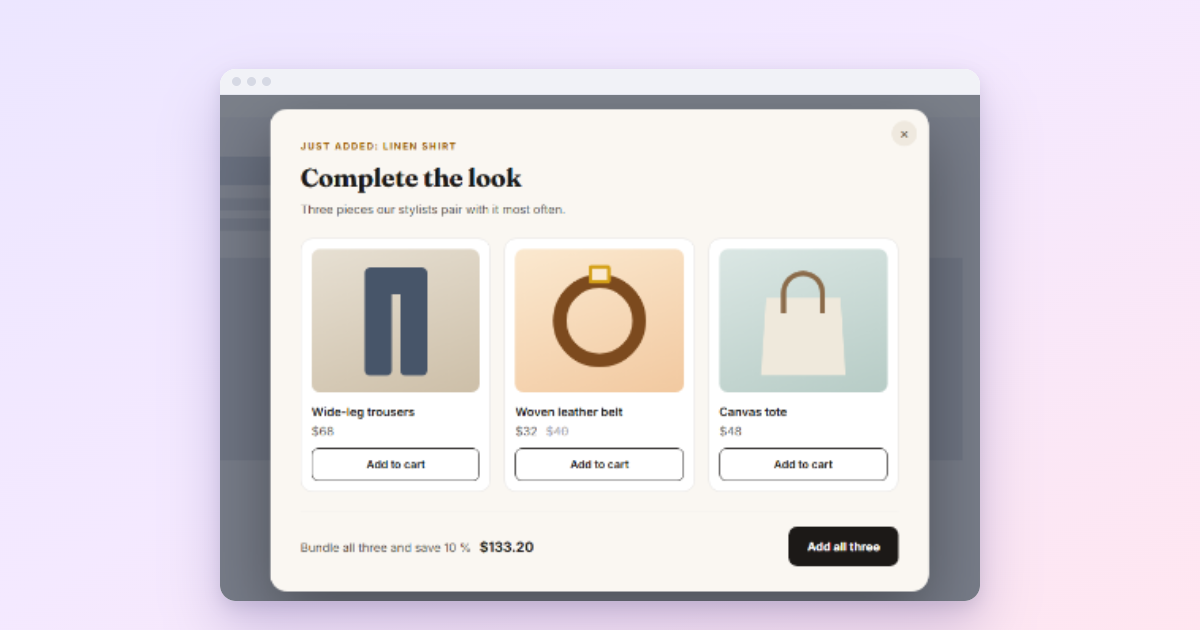
The WooCommerce popups that sell are the ones that answer a shopper’s moment: a welcome offer for a first visit, a cross-sell right after “Add to cart”, a free-shipping nudge just below the threshold, and a reason to stay when a full cart is about to leave. The nine below each name the moment, the offer and the setup.
A store popup earns its place only if it helps someone buy something they want. A newsletter box on the checkout page does the opposite. The ideas below are organised by where the shopper is in their visit, from first look to checkout, so you can pick the two or three that fit your shop and leave the rest. All of them can be built in WordPress with Wing Popup; each one says whether the free plugin is enough.
1. A welcome offer for first-time visitors
The moment: someone new has looked around for a minute. The offer: a discount on the first order in return for an email address.
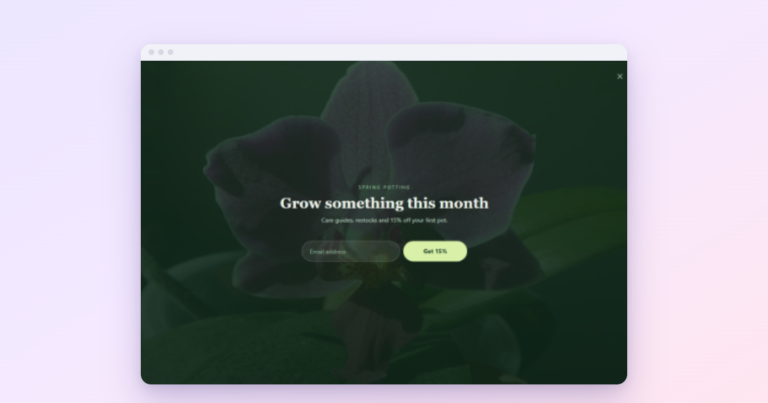
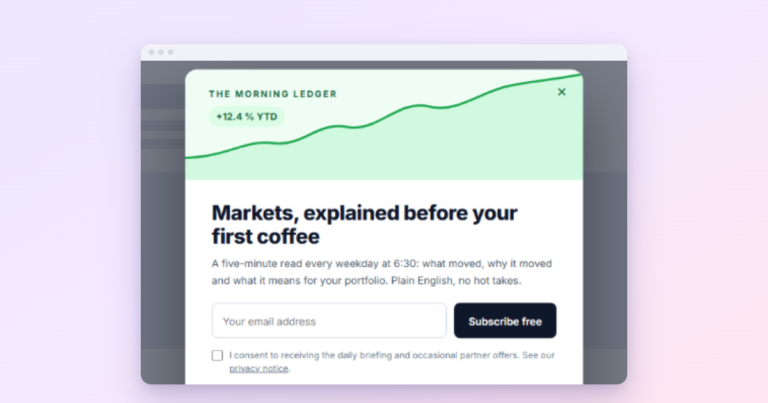
This is the classic store popup for a reason: it grows your list and nudges a first purchase at the same time. Build a Form popup with a subscribe form, and set After Submitting to show a follow-up message that reveals the code with a copy button. It works in the free plugin; see discount coupon popups.
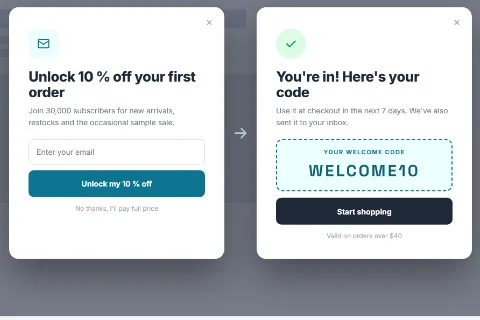
Settings: Page Load after 15 to 20 seconds, Require Minimum Page Visits 2, Once Ever, excluded from cart and checkout.
2. A slim announcement bar for the sale
The moment: every page, while the sale runs. The offer: the headline of the sale and a link to it.
This is the one we would add first to almost any shop. A bar at the top of the screen says “20% off everything until Sunday” without covering a single product. With Wing Popup Pro, set Display Mode to Floating Bar; in the free plugin, an Inline popup placed inside the page (with Insert Into Element) shows the same message without covering anything.
3. A cross-sell right after “Add to cart”
The moment: a product just went into the cart. The offer: the items that go with it.
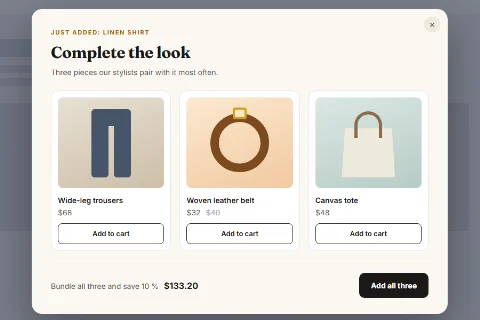
Wing Popup Pro has an Upsell / Cross-sell Products popup type that reads your shop: related products, the cross-sells set on the items in the cart, or upsells for the product being viewed, each with price and an add-to-cart button. Open it with the Add to Cart WooCommerce trigger. The products come from what you set on each product in WooCommerce, so fill in cross-sells first.
4. A free-shipping nudge
The moment: the cart is a little under your free-shipping threshold. The offer: “Add 12 more for free shipping.”
With Pro’s store targeting, show the popup only when the cart total is between two amounts, for example 30 and 49 when free shipping starts at 50, and open it with the Add to Cart trigger. Few popups are as welcome, because they save the shopper money.
5. A cart saver on exit
The moment: a visitor with something in the cart moves to leave. The offer: a reason to finish now, or to save the cart for later.
Pro’s Cart Abandonment trigger is exit intent limited to visitors with a cart, with an optional minimum cart total. Our guide to reducing cart abandonment covers what to offer and what not to.
6. A last word on the checkout page
The moment: someone is leaving the checkout itself. The offer: reassurance first (free returns, secure payment, delivery date), a discount only if your margins allow it.
Pro’s Checkout Exit trigger fires only on the checkout page. Keep this popup small and calm; a big promotional popup during payment does more harm than good.
7. A countdown for a real deadline
The moment: a sale or delivery cut-off is close. The offer: the deadline, ticking.
Pro’s Countdown Timer counts down to a fixed date for everyone, or runs a personal timer per visitor. Use it only for real deadlines, such as “Order by Thursday 2 pm for Christmas delivery”. More in countdown timer popups.
8. Recent sales, quietly
The moment: browsing product pages. The offer: proof that others buy here.
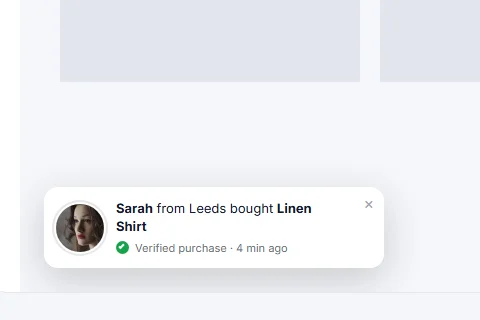
Pro’s Recent Sales Notification rotates genuine recent WooCommerce orders in a small corner panel (“Sarah bought Linen Shirt, 4 min ago”). It never invents sales and shortens names to a first name and initial. Because the list itself may be cached with the page, it carries the time of each order and the visitor’s browser writes “4 min ago” when it shows it, so a cached page never claims an old order is new. Keep it small, and leave the customer’s city off unless your privacy policy covers it.
9. A game for a special occasion
The moment: a holiday campaign or a launch. The offer: a spin of a prize wheel.
Pro’s Spin to Win and Pick a Gift turn the discount into a game. Used once a season they are fun; used all year they cheapen the brand. See spin-to-win popups.
Three rules for every store popup
- Never on the cart or checkout, except the checkout-exit message. Exclude those pages in Display Options.
- Create every code in WooCommerce first, under Marketing → Coupons, with an expiry and usage limits. The popup only shows the code; your shop applies it.
- One automatic popup per visit. Frequency rules (how often a popup should show) keep the welcome offer, the bar and the exit offer from stacking up.
Cached store pages? Wing Popup reads the cart in the visitor’s browser after the page loads (through WooCommerce’s own Store API), never while the page is built. A cart printed into the HTML could be cached and shown to the next shopper; reading it in the browser keeps cart-based triggers and rules correct behind any page cache.
Frequently asked questions
Which of these work in the free plugin?
The welcome offer with a coupon reveal (idea 1) and inline announcements are free. The WooCommerce triggers, cart rules, product upsells, recent sales, countdowns, bars and games are Wing Popup Pro features.
Does it work with Easy Digital Downloads?
Store targeting and the product popups work with the EDD cart too. The three WooCommerce triggers need WooCommerce; on an EDD shop, open those popups with exit intent instead.
How many popups should a store run?
One automatic popup at a time per visitor, plus any number of click or cart-event popups that appear only when they are relevant.
We make Wing Popup and Wing Suite and test every step in these guides on a real WordPress site before publishing.