Black Friday Popup Ideas for WordPress Stores
Early-access lists, countdowns, coupon reveals and exit offers, with ready-made designs you can launch today.
 Wahiduz Zaman
Oct 17, 2026
4 min read
Free Pro
Wahiduz Zaman
Oct 17, 2026
4 min read
Free Pro 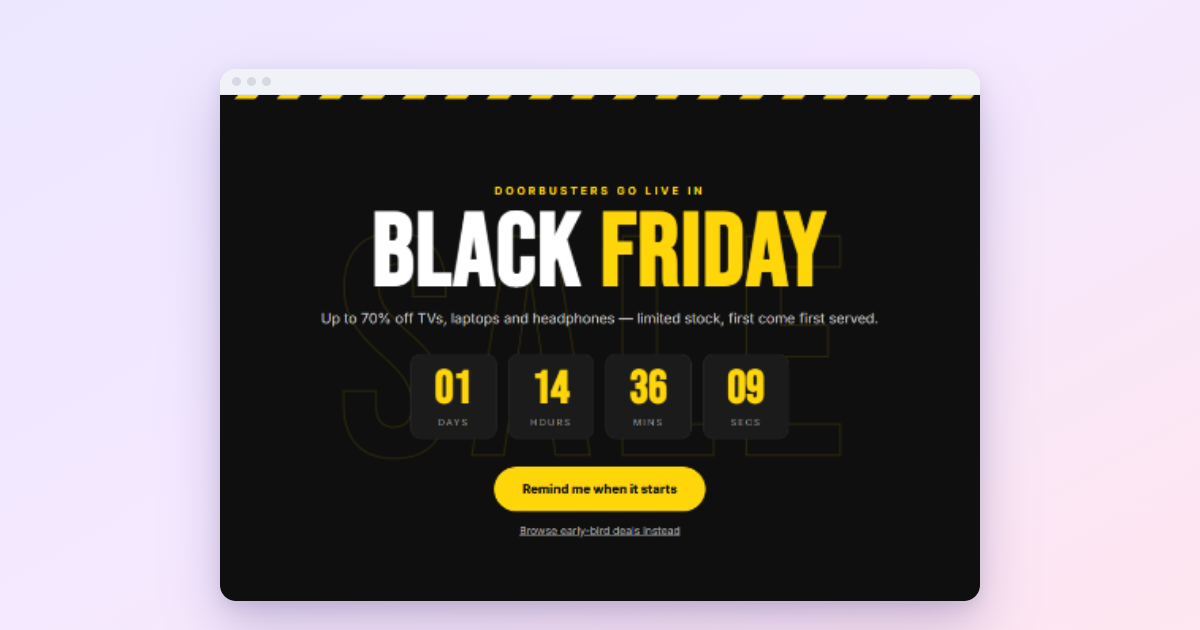
Plan Black Friday popups in three phases. Before the day, build an early-access list. During the sale (Black Friday is 27 November 2026, Cyber Monday 30 November), show the offer once and count down to its real end. After it, thank buyers and switch everything off on time. Wing Popup’s library has ready-made Black Friday and Cyber Monday designs for each phase.
Black Friday traffic is the most valuable traffic of the year, and the most impatient. Shoppers arrive with a list, compare quickly and leave just as fast. Popups that work in November do three things: they tell people what the deal is in one glance, they help them act before it ends, and they get out of the way. The ideas below follow the order you will need them in.
Before the sale: build an early-access list
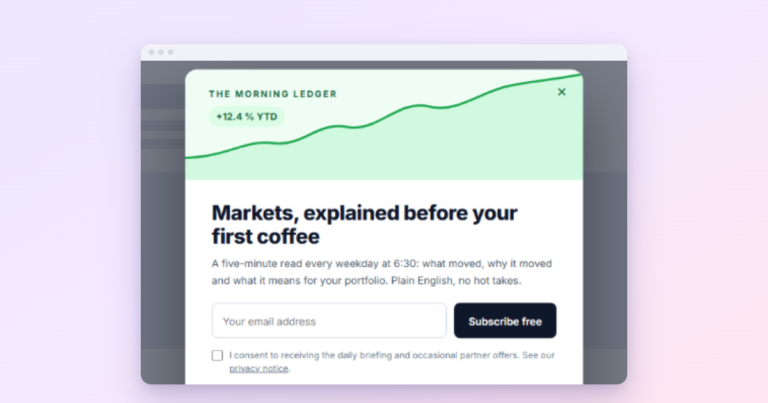
The best Black Friday campaigns start in early November. A signup popup that promises early access (“Get our Black Friday deals 24 hours before everyone else”) fills your list with people who are ready to buy, and gives you a reason to email them on the day.
- Type: a Form popup with a subscribe form (free).
- Trigger: page load after 15 seconds, on your shop and product pages.
- Frequency: once ever, or a 30-day cooldown after dismissal.
Our newsletter popup guide covers the setup step by step.
On the day: one clear announcement
When the sale is live, one popup should say what it is: the discount, what it covers, when it ends. Big type, one button to the sale.
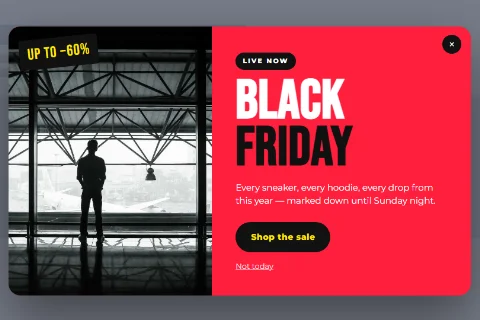
The Popup Library has free Black Friday designs (filter by season: Black Friday). Insert one, change the words and the link, and set:
- Trigger: page load after 3 to 5 seconds; this is an announcement, not a signup.
- Frequency: Once per Session, so visitors see it once per visit while the sale runs.
- Pages: everywhere except cart and checkout.
During the sale: a countdown to the real end
A countdown to the true end of the sale helps people who are still deciding. With Wing Popup Pro, a Countdown Timer popup can start and end on scheduled times, so you can set up the whole weekend in advance and have it disappear when the sale ends.
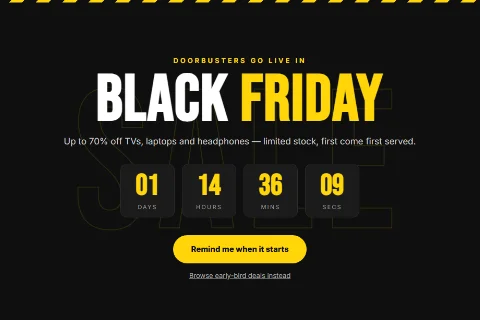
Only count down to a real deadline. See countdown timer popups for the honest way to do it.
A code that copies in one click
If the deal needs a code, make it impossible to mistype. Pro’s Coupon / Discount Code type shows the code with a copy button; in a Floating Bar it stays visible on every page. In the free plugin, a signup popup can reveal the code after the visitor joins your list.
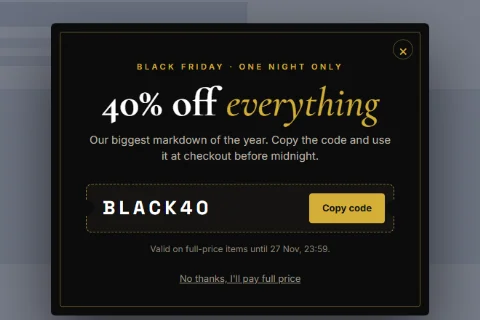
Create the coupon in WooCommerce first, with the same expiry as the sale. More in discount coupon popups.
An exit offer for full carts
Shoppers compare more on Black Friday than on any other day. For visitors with a cart who move to leave, Pro’s Cart Abandonment trigger can show a reminder: free shipping, the sale end time, or a way to save the cart. Do not stack an extra discount on top of a big sale; the reminder is usually enough. See cart abandonment popups.
Cyber Monday: a fresh look, same rules
When Black Friday ends and Cyber Monday starts, duplicate the popup and change the design and dates instead of editing the old one. The copy has its own frequency counters, so people who dismissed the Black Friday popup will still see the new offer once. (Frequency is stored per popup, keyed on its ID, which is why a copy starts fresh and an edited original does not.) The library has Cyber Monday designs too.
After the sale: switch off on time
- Turn every sale popup off the minute the sale ends, or schedule it (Pro) so it ends by itself. A “Sale ends tonight” popup on Tuesday costs trust.
- Thank buyers. A popup on the order confirmation page is rarely needed; a good follow-up email is better.
- Keep the list warm. The people who joined for early access want to hear from you again before Christmas.
A one-week checklist
- Create coupons in your shop with the right expiry and limits.
- Insert the designs from the library and change the words.
- Set page targeting: no popups on cart or checkout.
- Set frequency: once per session for announcements, long cooldowns for offers.
- Schedule start and end times, or put a reminder in your calendar to switch off.
- Test on a phone, in a private window.
Frequently asked questions
When is Black Friday 2026?
Friday 27 November 2026. Cyber Monday is Monday 30 November 2026.
Which Black Friday popups are free?
The early-access signup, the announcement designs marked Free in the library, and a signup that reveals a code. Countdowns, coupon popups, bars and cart triggers are Wing Popup Pro.
How many popups should run during the sale?
One automatic announcement per visit, plus at most one exit offer for full carts. More than that competes with the deals themselves.