

How to Add an Exit-Intent Popup in WordPress
How exit intent works on desktop and mobile, when it is worth it, and the setup in WordPress.
 Wahiduz Zaman
Oct 19, 2026
5 min read
Pro
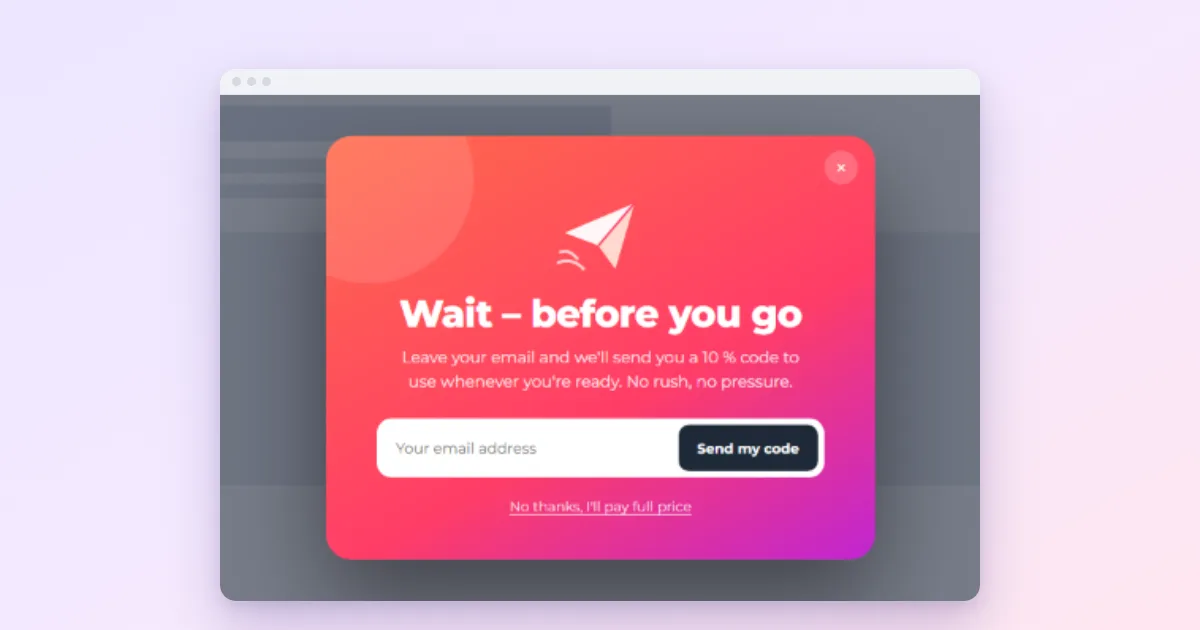
Watch someone leave a website on a laptop and the last thing their mouse does is almost always the same: it travels up, past the page, towards the browser tabs or the back button. An exit-intent popup waits for that movement and shows one last message before the visitor goes. Most of them were never going to read your popup on the way in, so the moment on the way out costs you nothing, and it reaches people who were about to be gone anyway.
Exit intent is also one of the most misused triggers there is. Below is how it actually detects a visitor leaving, what it cannot see, what is worth saying at that moment, and how to set it up in WordPress.
How exit intent works
There is no browser event that says “this visitor is leaving”. Exit intent is an educated guess based on the mouse pointer: when it leaves the page through the top edge, heading for the tabs, the address bar or the back button, the trigger fires.
In Wing Popup Pro the guess has one setting, Exit Intent Sensitivity: how close to the top edge the pointer must come, in pixels. The default is 20. A larger number fires earlier, which catches fast movers but also people who are only reaching for a bookmark; a smaller number waits until the pointer is right at the edge.
Being a guess, it has blind spots worth knowing before you rely on it:
- Phones and tablets. There is no pointer to follow, so exit intent never fires on touch screens. That is a large share of most sites’ traffic.
- Keyboard exits. Someone who closes the tab with a shortcut, or switches tabs with the keyboard, never moves the mouse up.
- False alarms. A visitor reaching for another tab to compare prices will trigger it, then come back. Your message should make sense to them too.
What to use on mobile instead
Because exit intent sees only desktop visitors, give the same popup a second trigger for everyone else. In Wing Popup a popup can have several triggers; whichever fires first opens it, and they share one set of frequency counters, so nobody sees it twice.
- Scroll, at around 60 to 70% of the page, catches readers who are finishing an article and about to move on.
- User inactivity (30 seconds by default) catches a visitor who has stopped interacting, which on a phone often means they have switched away.
What is worth saying on the way out
A visitor who is leaving has already decided the page did not give them what they needed right now. The exit message works when it offers something smaller and easier than whatever they were doing. Some pairings that make sense:
| Page they are leaving | A message that fits |
|---|---|
| A blog post | “Get the next one by email”: a one-field signup with a concrete schedule |
| A product page | Free shipping threshold, returns policy, or a size guide |
| The cart, with items in it | A way to save the cart, or reassurance about delivery (see cart abandonment popups) |
| A pricing page | “Questions before you decide?” opening a short contact form |
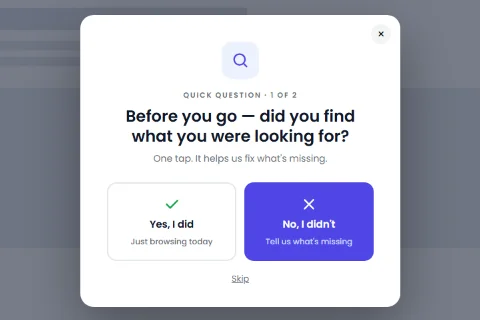
| Any page | “Did you find what you were looking for?”, a two-button question |
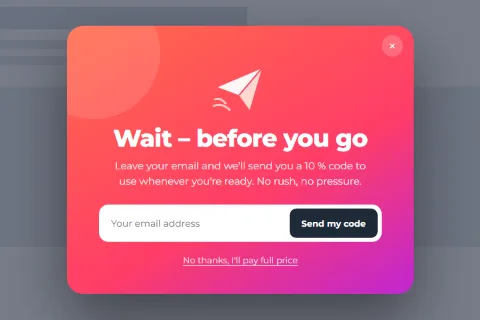
A discount is the obvious exit offer, and the one to be careful with. Shoppers learn quickly: if moving the mouse to the top of the screen produces 10% off, some will do it on every visit. Keep exit discounts small, make the code expire, and use a long cooldown.
Setting it up in WordPress
Exit intent is part of Wing Popup Pro. With Pro active:
- Go to Wing Popup → Popups and open a popup, or insert an exit design from the Popup Library (search for “before you go”).
- On the Trigger Events tab, under Pro Events, switch on Enable Display Popup on Exit Intent. Leave the sensitivity at 20 to start.
- Switch off Enable Display Popup on Page Load, which a new popup has on by default. Otherwise the popup appears on arrival and is already in its cooldown by the time the visitor leaves.
- Add Scroll or User Inactivity for mobile visitors, as above.
- On Display Options, limit the pages and set the frequency (next section).
- Switch the popup on, save, and test in a private window on a desktop: move the pointer slowly up past the top of the page.
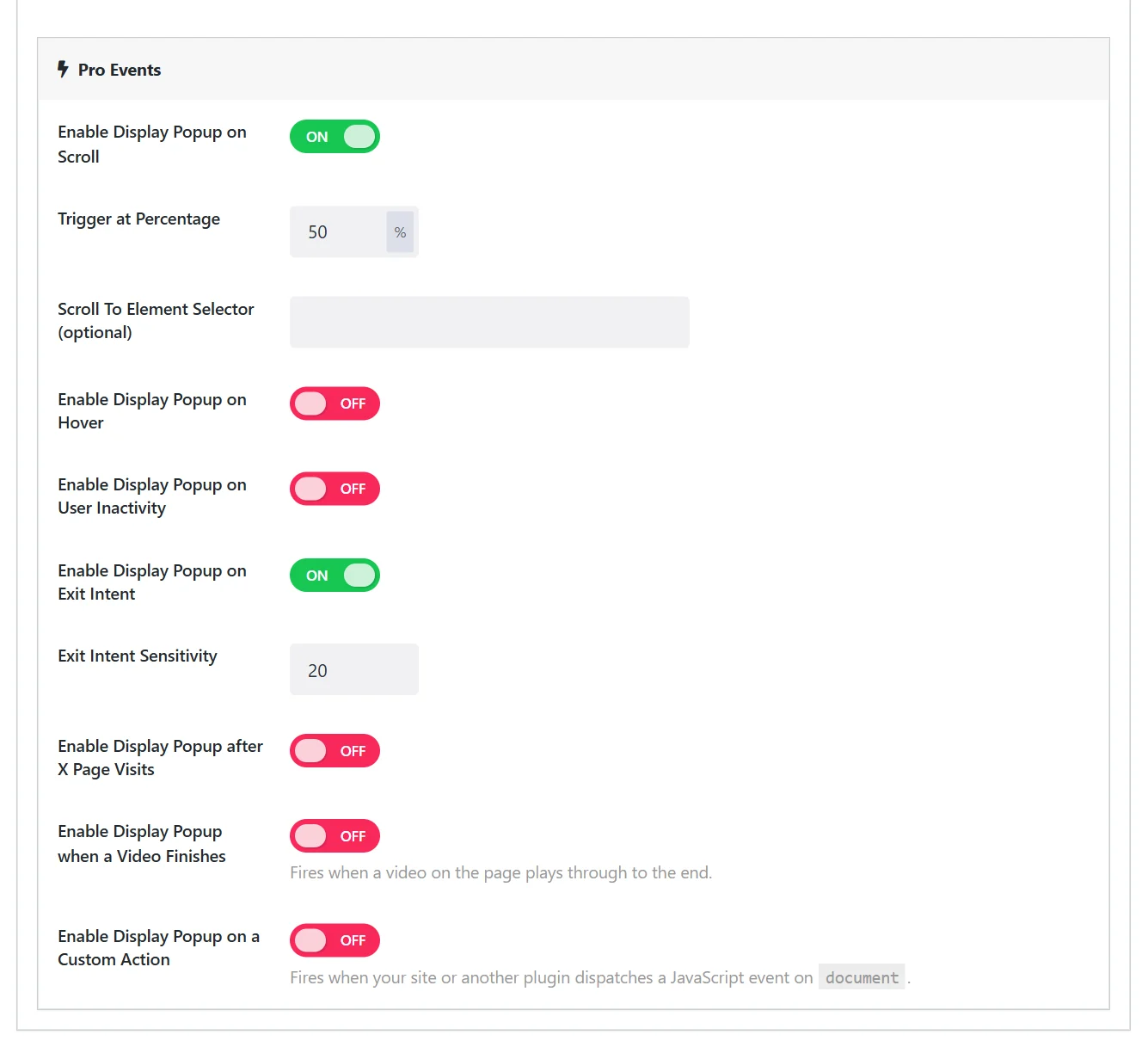
Step 3 is the easy one to miss, because every new popup starts with page load switched on. Leave it on and the popup greets the visitor three seconds in, and the exit trigger never gets its moment.
How often to show it
People leave pages constantly; an exit popup that fires every time someone leaves is the most annoying popup there is. Under Frequency & Suppression:
- Cooldown with Don’t show again for 3 days and Don’t show again after dismissal for 14 days or more.
- Or Once per Session for an announcement that matters only during this visit.
- Require Minimum Page Visits at 2 spares people who bounced from their first page in a second, who were never interested.
More on these settings in how often a popup should show.
Without Pro
The free plugin has no exit trigger, and we would rather say so than suggest a workaround that does not really work. What it can do is the next best thing for many sites: a signup popup on a page-load delay of 20 or 30 seconds on long articles, which reaches readers near the end, or an inline signup box at the bottom of every post, which costs nothing in annoyance at all.
Questions people ask
Is exit intent bad for SEO?
No. Google’s concern is popups that cover content as soon as someone arrives from search. An exit popup appears as they leave, and only on desktop. See are popups bad for SEO.
Why does my exit popup fire when I only reach for another tab?
Because from the page’s point of view, that looks exactly like leaving. Lower the sensitivity to wait until the pointer is right at the edge, and write a message that does not assume the visitor is gone for good.