

21 Lead Magnet Ideas That Work in a Popup
Checklists, discounts, mini-courses, quizzes and more: offers that make a signup popup worth it.
 Wahiduz Zaman
Oct 26, 2026
4 min read
Free
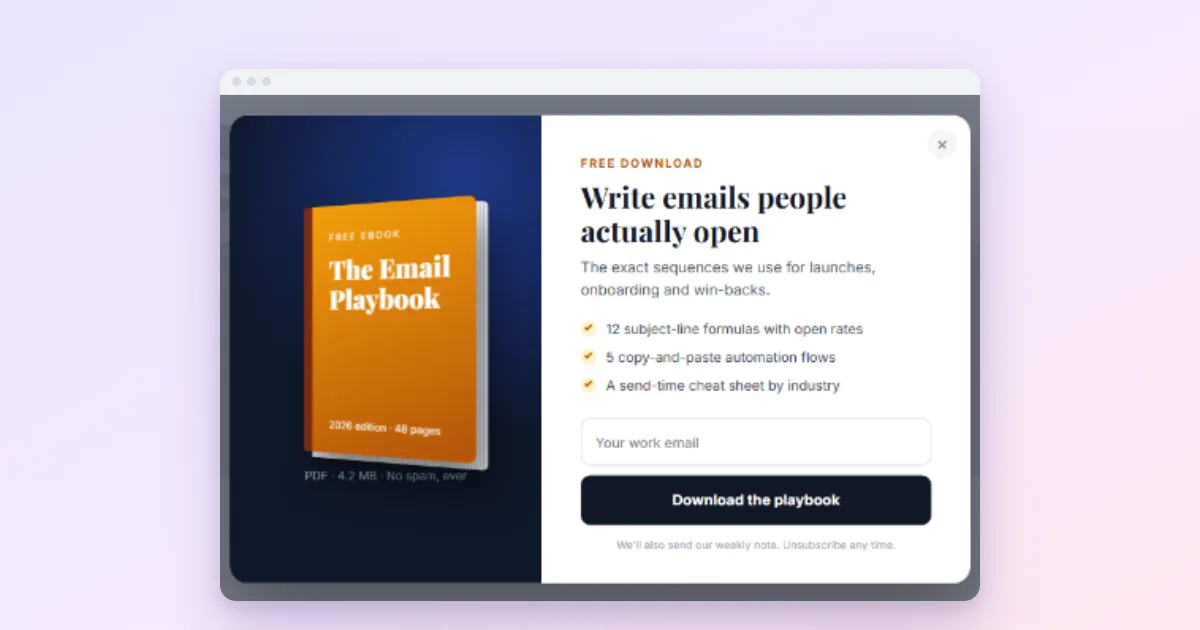
A lead magnet is the thing you give in return for an email address: a checklist, a discount, a short course, a template. It is what turns “Subscribe to our newsletter”, which almost nobody wants, into an offer people take. The 21 ideas below are grouped by how much work they take to make, from an afternoon to a project, and each comes with a headline you could put in a popup tomorrow.
One test applies to all of them: would the visitor be glad to have it even if you never emailed them again? If yes, it is a good magnet. If it only makes sense as bait for the list, visitors can tell.
Things you can make in an afternoon
1. A checklist
The most reliable magnet there is: short, practical, printable. “The 12-point checklist we use before every product launch.”
2. A discount on the first order
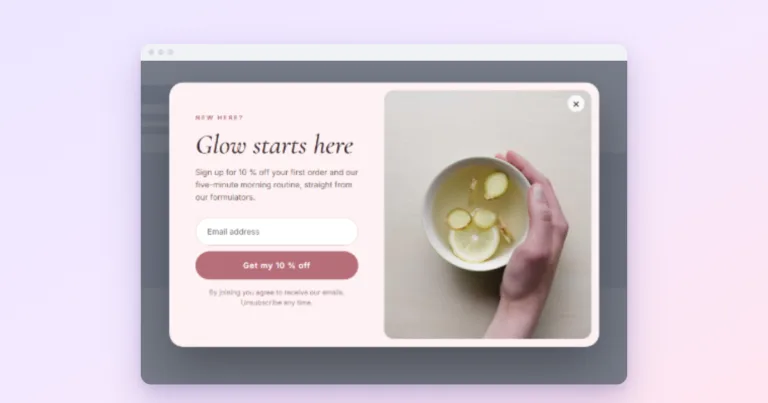
For shops, the obvious one, and it works. Keep it modest and give it an expiry. “10% off your first order, valid for 7 days.” See discount coupon popups.
3. Free shipping
Often more persuasive than a percentage: in Baymard Institute’s checkout research, extra costs such as shipping are the most common reason shoppers abandon a checkout. “Free shipping on your first order.”
4. A swipe file
A collection of real examples: subject lines, ad headlines, landing pages, with a line on why each works. “40 welcome emails from shops we admire.”
5. A cheat sheet
One page that answers the questions people keep searching. “Every keyboard shortcut in [tool] on one page.”
6. A resource list
The tools, books or suppliers you actually use, with honest notes. “The 15 tools that run our store, and what each costs.”
7. Early access
Costs nothing to make: tell subscribers first. “New drops 24 hours before everyone else.”
Things that take a day or two
8. A template
Something they can copy and fill in: a spreadsheet, a contract, a content calendar. “Our monthly budget spreadsheet, ready to copy.”
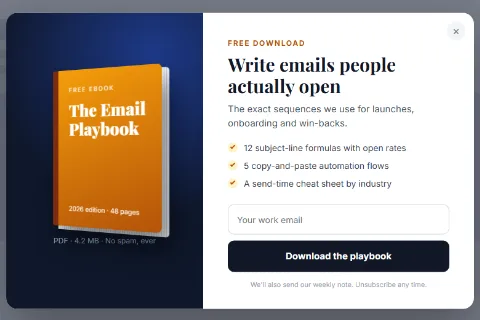
9. A short guide or ebook
Ten pages that solve one problem well beat a hundred that cover everything. “How to photograph products on a kitchen table.”
10. A printable
Planners, colouring pages, meal plans, workout charts. Strong for family, food and fitness sites. “A printable 4-week meal plan.”
11. A recipe or pattern collection
The best of your site, gathered into one download. “Our 10 most-saved weeknight recipes.”
12. A case study
One real project, with numbers and screenshots. Strong for agencies and B2B, as long as every number is real.
13. A sample
The first chapter, the first lesson, the first week of a programme. It sells the full version while it grows the list.
Things that are a small project
14. An email mini-course
Five lessons over five days. It teaches people to open your emails, which is worth more than the signup itself. “5 days to a cleaner inbox.”
15. A quiz
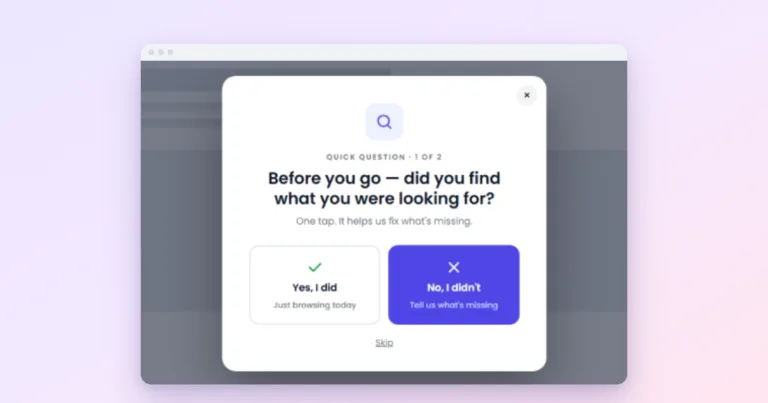
“Which plan fits you?”, “What is your skin type?” The answer is personal, so people want to see it. A multi-step popup (Pro) can ask the questions and send each answer to its own results page, where a signup form offers the detailed version by email.
16. A calculator
Mortgage, savings, calories, shipping cost. Useful on its own; the email sends a copy of the result.
17. A webinar or live demo
The signup is the registration. Pair it with a countdown to the real start time.
18. An original report
A survey of your customers or an analysis of your own data. Expensive to make, but it also earns links from other sites.
19. A free trial or tool
For software and services: the trial is the magnet. “Try it free for 14 days, no card needed.”
20. A giveaway
Brings many signups quickly, some of them more interested in the prize than in you. Check the rules for prize draws in your country first.
21. A gift finder
For shops in the holiday season: three questions, then a list of products. “Find the perfect gift in 30 seconds.”
Which ones fit which site
| Site | Good first choices |
|---|---|
| Online shop | First-order discount, free shipping, early access, gift finder |
| Food or lifestyle blog | Recipe collection, printable, meal plan |
| Agency or consultant | Checklist, case study, template |
| Software or SaaS | Free trial, cheat sheet, email mini-course |
| Course creator | Sample lesson, mini-course, webinar |
| Local business | Discount, early booking, seasonal guide |
Delivering it: three ways, and their trade-offs
How the visitor receives the magnet matters as much as the magnet. In Wing Popup there are three ways, and we would choose between them like this:
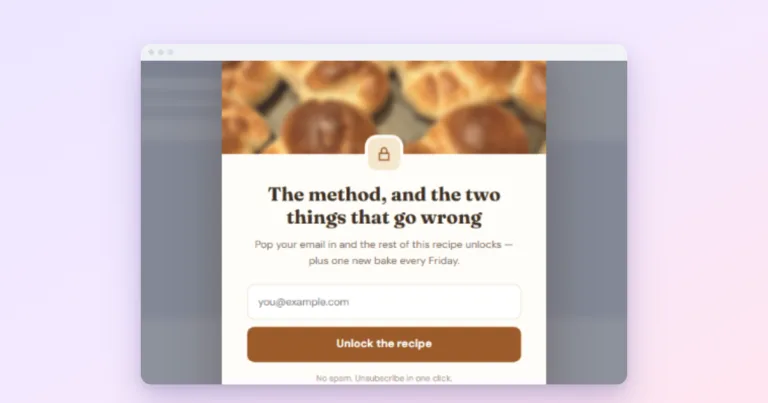
- In the popup, right away. Set the form popup’s After Submitting to show a follow-up message; it can hold a link to the file, or reveal a discount code with a copy button. Instant and free. The catch, which we document plainly: the follow-up is part of the page from the start, only hidden, so someone reading the page source can find it. Fine for a checklist or a welcome code, not for something you charge for elsewhere.
- On a thank-you page. Set Redirect After Success on the form to a page that holds the download. Room to say more, and a natural place to suggest the next step.
- By email. Let your email service send the file in its welcome email. It takes longer, but it proves the address is real, and with double opt-in the confirmation and the delivery become one step.
Whichever you choose, write the popup around the magnet, not around the list: name it in the headline and put it in the button. “Send me the checklist” will beat “Subscribe” almost every time. More on that in popup copywriting, and the full setup in how to create a newsletter popup.