


Introduction to Wing Suite
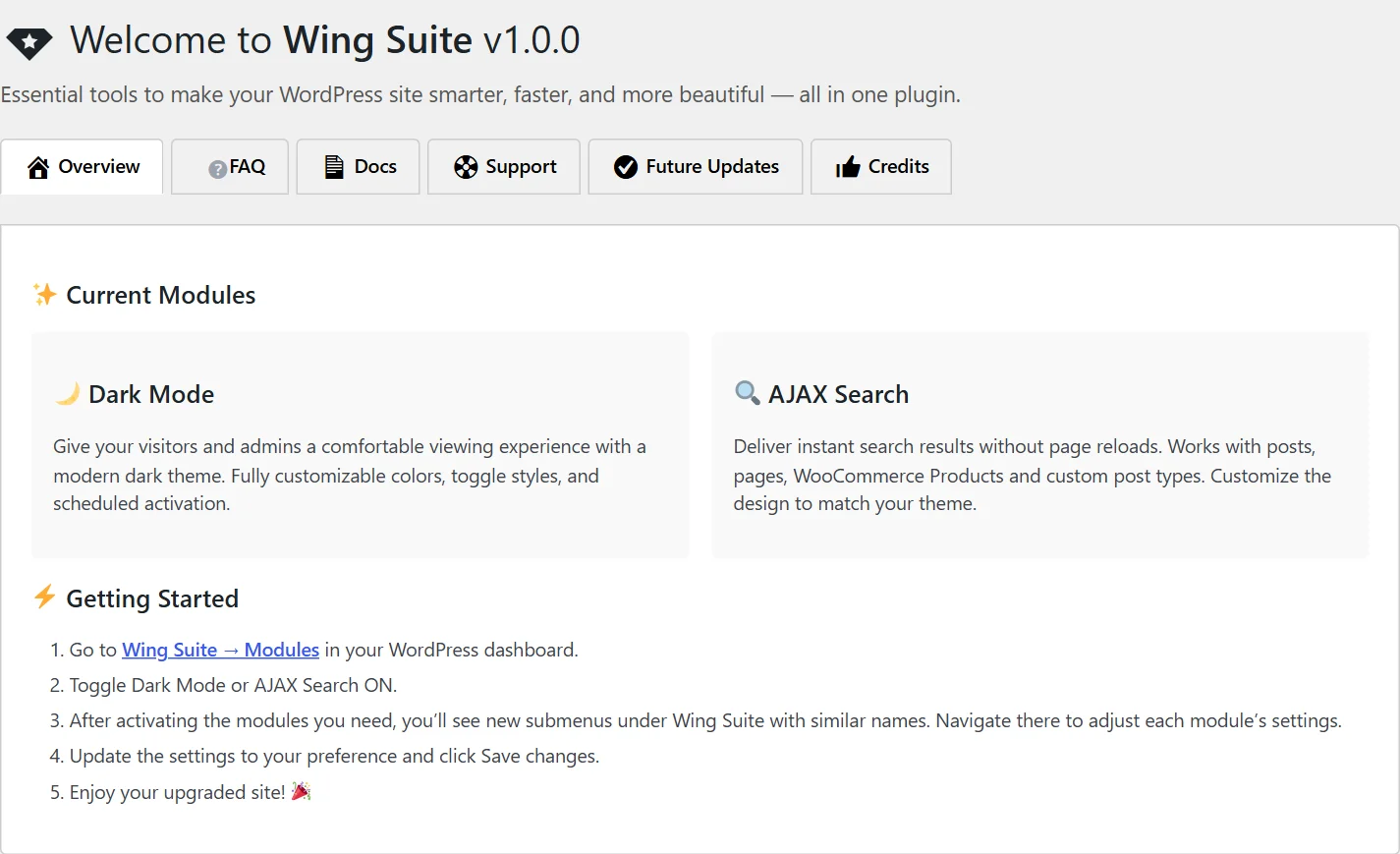
What Wing Suite is, which modules it includes today and how its screens are organised.
Wing Suite is a bundle of site tools for WordPress in one plugin. Instead of installing a separate plugin for every small feature, you install Wing Suite and switch on the modules you want. A module that is switched off loads nothing, so the plugin stays light.
Modules#
| Module | What it does |
|---|---|
| Dark Mode | Adds a dark version of your site, with colour presets or your own colours, and a switch visitors use to change mode. |
| AJAX Search | Adds a search bar that shows results while the visitor types, without reloading the page. |
More modules will be added in future releases.
How the plugin is organised#
After activation a Wing Suite menu appears in your WordPress dashboard:
| Screen | What it is for |
|---|---|
| Welcome | An overview, frequently asked questions and what is planned. |
| WS Modules | Switch each module on or off. |
| Dark Mode | The Dark Mode settings. Shown while the module is on. |
| Ajax Search | Your search forms. Shown while the module is on. |
Next step#
Install Wing Suite and choose your modules, then enable Dark Mode or add a search bar.
Did this not answer your question?
Send us what you are trying to do and we will help, and improve this page.