


Custom CSS
Add your own CSS to a single popup, scoped with the {{POPUP}} placeholder, with a reference of the popup's classes.
Every popup has its own Custom CSS box. CSS you write there is loaded only on pages where that popup appears and, with the {{POPUP}} placeholder, affects only that popup. Custom CSS is part of the free plugin.
Add CSS to a popup#
- Edit the popup and open the Popup Styles tab.
- Open the Custom CSS panel.
- Write your CSS and click Save.
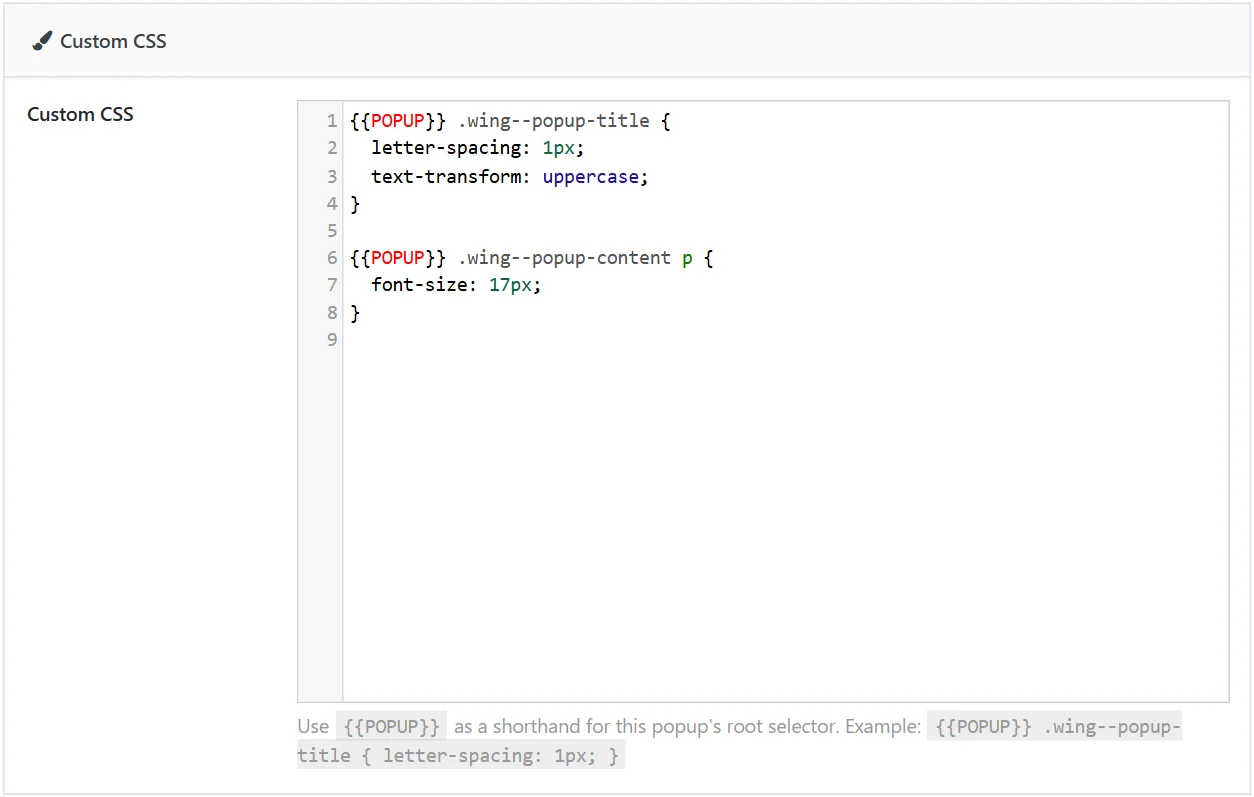
The {{POPUP}} placeholder#
Start every rule with {{POPUP}}. It stands for this popup's own root selector, so the rule cannot leak to other popups or to the rest of your site.
{{POPUP}} .wing--popup-title {
  letter-spacing: 1px;
  text-transform: uppercase;
}

{{POPUP}} .wing--popup-content p {
  font-size: 17px;
}
Your CSS is printed after the plugin's own stylesheets, so a rule of the same strength as a built-in one wins without !important.
Classes you can target#
| Selector | Element |
|---|---|
{{POPUP}} |
The popup's root |
.wing--popup-wrapper |
The popup's box |
.wing--popup-image |
The image block (img.wing-popup--image is the picture inside it) |
.wing--popup-content-wrap |
The text column (heading, content, buttons) |
.wing--popup-title |
The heading |
.wing--popup-content |
The content text |
.wdpop-cta |
The call-to-action button |
.btn-secondary |
The dismiss button |
.wing--popup-close-btn |
The close button |
.wdpop-form |
A form inside the popup |
.wdpop-coupon |
A coupon code box |
Your browser's inspector (right-click the popup → Inspect) shows the classes of every other element.
Examples#
A different font for one popup
{{POPUP}} .wing--popup-title {
  font-family: Georgia, "Times New Roman", serif;
}
A gradient background
{{POPUP}} .wing--popup-wrapper {
  background: linear-gradient(135deg, #4c3bff, #c026d3);
  color: #fff;
}
A wider image column in a Left or Right layout
{{POPUP}} {
  --wdpop-image-width: 50%;
}
A full-width call-to-action button
{{POPUP}} .wdpop-cta {
  display: block;
  width: 100%;
}
Good to know#
- Write descendant selectors. Use a space between selectors (
{{POPUP}} .a .b). The child combinator>is stored in encoded form and shows as>in the editor after saving; it still works on the site, but descendant selectors keep the editor readable. - Media queries work. Wrap rules in
@media (max-width: 600px) { … }to change the popup on phones. - Caches. If a change does not show on the site, clear your page cache and reload.
- JavaScript does not belong here. See Custom JavaScript.
Did this not answer your question?
Send us what you are trying to do and we will help, and improve this page.