


Form popup
Put a newsletter signup or contact form in a popup with the Form popup type and decide what happens after it is submitted.
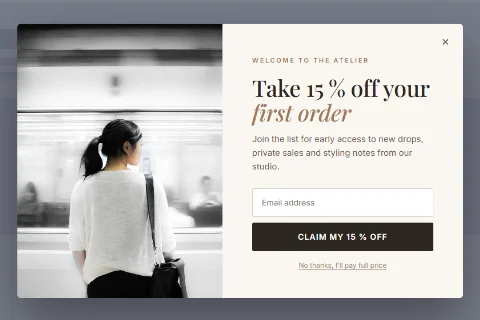
The Form popup type shows one of your forms inside a popup: a newsletter signup, a contact form or, with Pro, a pre-sale question, login or registration form. The form itself is built on the Forms screen; the popup decides when and where it appears.
Before you start#
You need a form. Go to Wing Popup → Forms and create one, or let the Popup Library create both form and popup for you. See Forms overview.
Set it up#
- Go to Wing Popup → Popups and add or edit a popup.
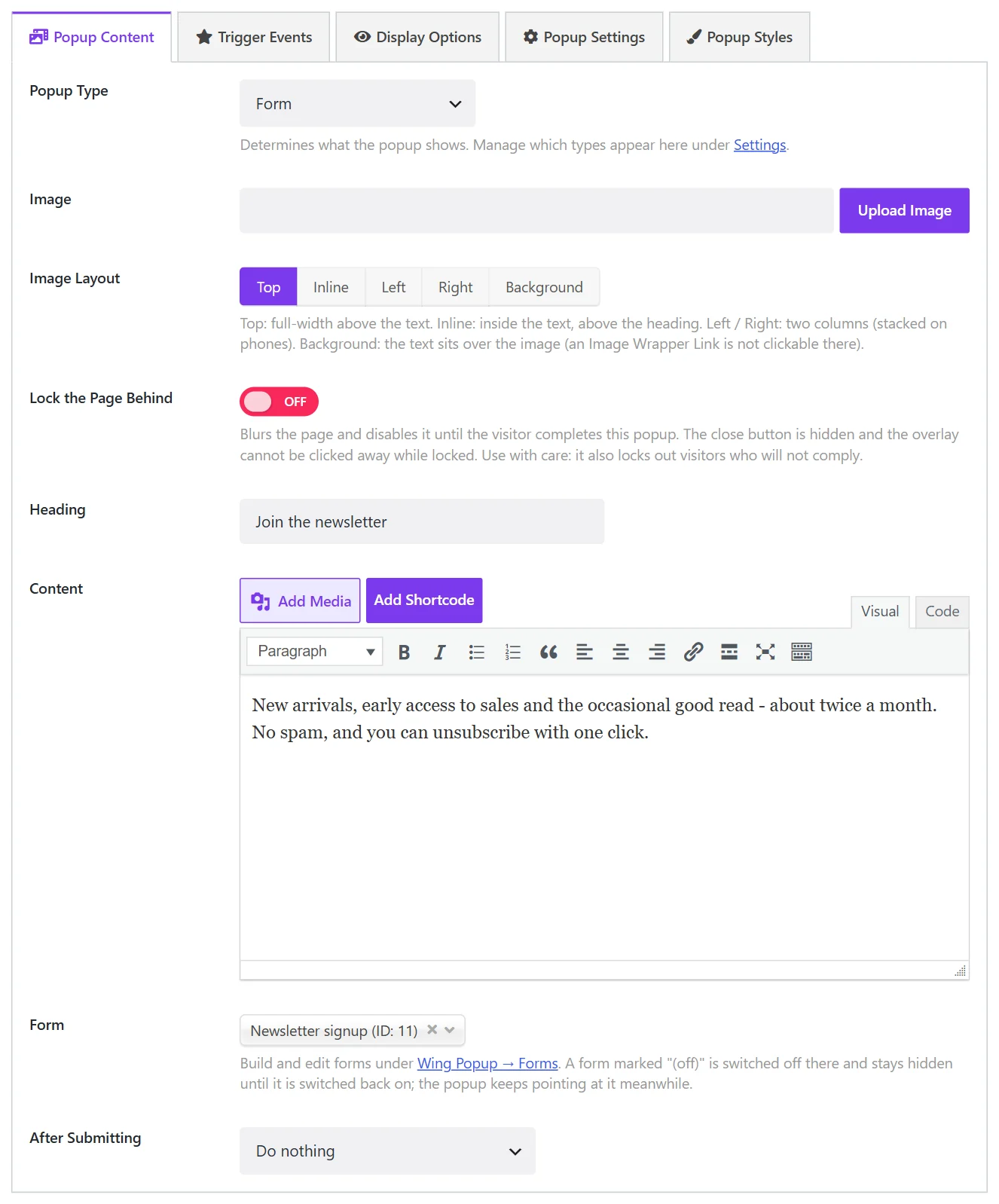
- On the Popup Content tab set Popup Type to Form.
- Choose the form under Form.
- Add an Image, a Heading and some Content above the form if you like.
- Choose what happens After Submitting.
- Click Save.
The fields#
| Field | What it does |
|---|---|
| Image and Image Layout | An optional picture and where it sits. See Image layout. |
| Lock the Page Behind | Blurs the page until the form is submitted. See Content locker. |
| Heading, Content | Text shown above the form. |
| Form | The form to show. A form marked (off) is switched off on the Forms screen and stays hidden until it is switched on again. |
| After Submitting | What the popup does once the form was submitted successfully. |
After Submitting#
| Choice | Result |
|---|---|
| Do nothing | The form shows its own success message and the popup stays open. |
| Just close the popup | The popup closes. |
| Send them to a URL | The visitor is taken to the Destination URL, for example a thank-you page. |
| Show a follow-up message | The popup's content is replaced by a message, optionally with a coupon code. See Follow-up message and coupon. |
| Fire a custom event for other scripts | Dispatches a JavaScript event on the document, for a tag manager or your own script. |
The form's own messages (success, failure, invalid email) are set on the form, under Forms → Messages.
One form, many places#
A form is independent of the popup that shows it. The same form can appear in several popups, and also in a page through its shortcode or block. See Display a form.
When a Form popup is not shown#
A Form popup is skipped, and listed in the notice on the Popups screen, when:
- no form is selected, or the selected form was deleted;
- the form is switched off;
- Enable Forms is off under Settings → General;
- the form is of a Pro type and Wing Popup Pro is not active.
See Troubleshooting.
Did this not answer your question?
Send us what you are trying to do and we will help, and improve this page.