


Introduction to Wing Popup
What Wing Popup does, how its screens are organised, and what the free plugin and Wing Popup Pro each include.
Wing Popup is a popup builder for WordPress. You create a popup, decide what it shows, when it opens and who may see it, and the plugin does the rest. It works with any theme, needs no code, and keeps working when your site is behind a page cache.
What you can build#
- Announcements and offers: an image, a heading, some text and a button.
- Newsletter signups and contact forms: built on the plugin's own Forms screen, with Mailchimp included.
- Designed popups: bodies designed in the block editor or Elementor and shown as a popup.
- Ready-made popups: the Popup Library holds complete popups you insert with one click and then edit.
With Wing Popup Pro you add countdown timers, coupons, spin-to-win, cookie notices, age gates, video popups, store popups for WooCommerce and Easy Digital Downloads, floating bars and slide-in panels, more triggers, audience targeting, analytics and A/B tests.
How the plugin is organised#
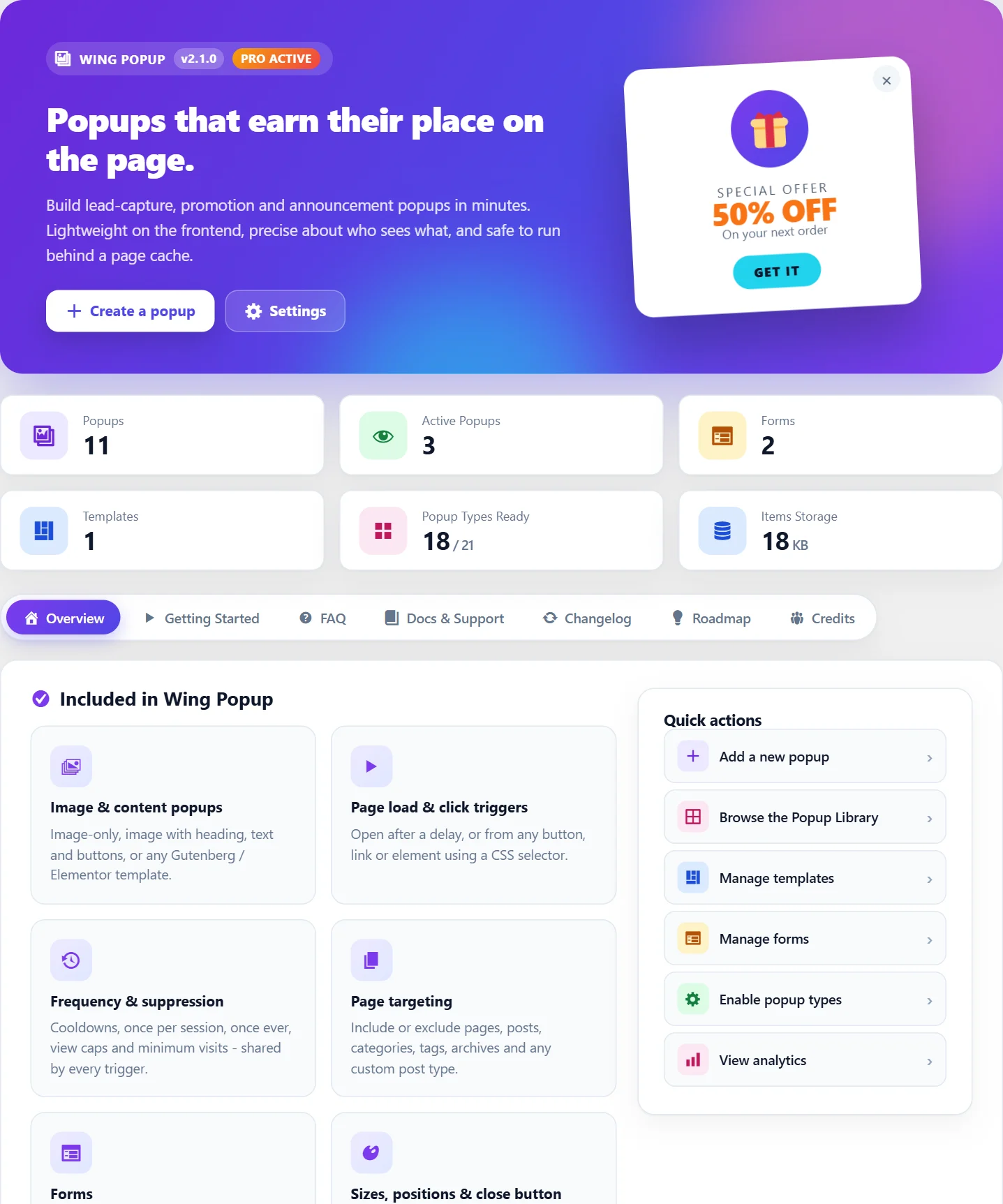
After activation a Wing Popup menu appears in your WordPress dashboard:
| Screen | What it is for |
|---|---|
| Overview | A summary of your popups, quick links and what is new. |
| Popups | The list of your popups. Every popup is edited here. |
| Forms | Signup and contact forms, and the email services they send to. |
| Templates | Popup bodies designed with the block editor or Elementor. |
| Settings | Features, the Popup Type picker, spam protection and data options. |
| Analytics, Submissions, Notifications | Reporting screens added by Wing Popup Pro. |
A popup has four parts#
Every popup is edited in four tabs, and the rest of this documentation follows the same order:
- Popup Content: the popup type and what it shows.
- Trigger Events: the moment the popup opens, for example three seconds after the page loads or when a button is clicked.
- Display Options: the rules that allow or stop it, such as which pages and how often.
- Popup Settings and Popup Styles: the display mode, size and position and the look.
Free and Pro#
The free plugin is complete on its own. Everything in this documentation that needs Wing Popup Pro is marked with a Pro tag.
| Free | Pro | |
|---|---|---|
| Popup types | Only Image, Image and Content, Template, Form | 17 more, including countdown, coupon, spin to win, cookie notice, video and store popups |
| Display modes | Modal, Inline | Floating bar, Slide-in panel |
| Triggers | Page load, Click | Scroll, hover, inactivity, exit intent, page visits, video end, custom event, WooCommerce events |
| Display rules | Page targeting, frequency and suppression | Scheduling, devices, user roles, visitor history, geo, browser, referrer, cart rules |
| Styling | Close button, image layout, Custom CSS | Style panels, animations, mobile overrides, Custom JavaScript |
| Forms | Subscribe (Mailchimp), Contact, spam protection | Pre-sale, login and registration forms, custom fields, more email services, stored submissions |
| Tools | Popup Library | Analytics, A/B tests, push notifications, import and export |
Pro settings are visible in the free plugin, marked (Pro). You can look at every option before deciding; they take effect once Wing Popup Pro is installed and activated.
Next step#
Did this not answer your question?
Send us what you are trying to do and we will help, and improve this page.