


Custom JavaScript Pro
Run your own script for a single popup, react to popup events and send them to other tools.
The Custom JavaScript panel runs a script of yours for one popup. Use it to connect a popup to something outside it: an analytics event, a chat widget, a value copied into a form.
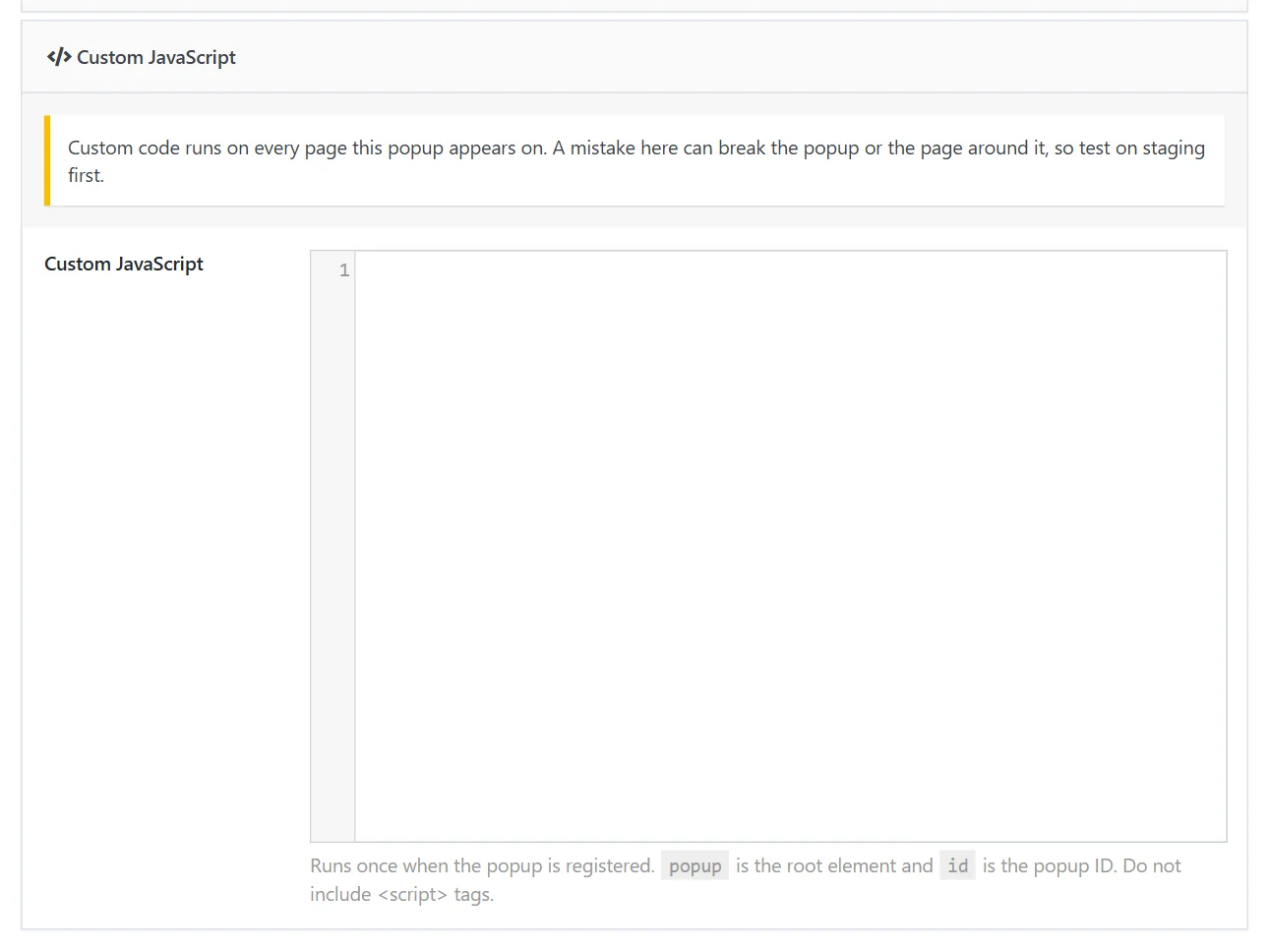
Add a script#
- Edit the popup and open the Popup Styles tab.
- Open the Custom JavaScript panel.
- Write the script, without
<script>tags, and click Save.
The script runs once on every page the popup appears on, at the moment the popup is registered, before it is shown. Two variables are available:
| Variable | Value |
|---|---|
popup |
The popup's root element |
id |
The popup's ID |
Custom code runs for every visitor on every page this popup appears on. A mistake here can break the popup or the page around it. Test on a staging site first.
Popup events#
The popup's root element fires events you can listen to:
| Event | When |
|---|---|
wdpop:show |
The popup starts to open |
wdpop:shown |
The popup is fully open |
wdpop:hide |
The popup starts to close |
wdpop:hidden |
The popup is closed |
A form inside a popup announces a successful submission on the document as wdpop_form_submitted.
Examples#
Send an event when the popup is shown
popup.addEventListener('wdpop:shown', function () {
  if (window.gtag) {
    gtag('event', 'offer_popup_shown', { popup_id: id });
  }
});
Do something after a signup
document.addEventListener('wdpop_form_submitted', function (e) {
  if (popup.contains(e.detail.form)) {
    console.log('Signup from popup ' + id);
  }
});
Fill the page address into the popup's text
var place = popup.querySelector('.current-page');
if (place) {
  place.textContent = document.title;
}
Before you write code#
Much of what scripts were once needed for is built in:
- Popup views, clicks and conversions are recorded by Analytics and can be sent to Google Analytics from Settings → Analytics.
- Buttons can redirect, copy text, show a follow-up message or fire a custom event without code. See Yes / No question.
- A popup can open on your own event (the Custom action trigger) and close on one (Closing behavior).
Did this not answer your question?
Send us what you are trying to do and we will help, and improve this page.